Visiting Card Design CorelDraw, Easy Method, Complete Steps, Download Practice File
Hello Friends, Welcome to Varanasiinstitutes.com In This Post I am Going To Teach you How To Create Visiting Card Design CorelDraw. In This Project You Can Learn How To Design Visiting Card in CorelDraw Application in Easy Method.
Following Steps
You can also Download Practice File in This Post. So Let’s Start To Learn This Project, Before Start I request you to Please Follow Given below step to Learn Properly step by step.
- Firstly, कोरेलड्रॉ Open करने के लिए Windows + R प्रैस करके Run बॉक्स Open करे
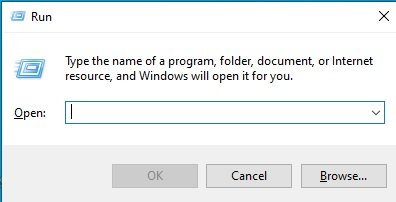
- Secondly, Run Box मे Coreldrw टाइप करे

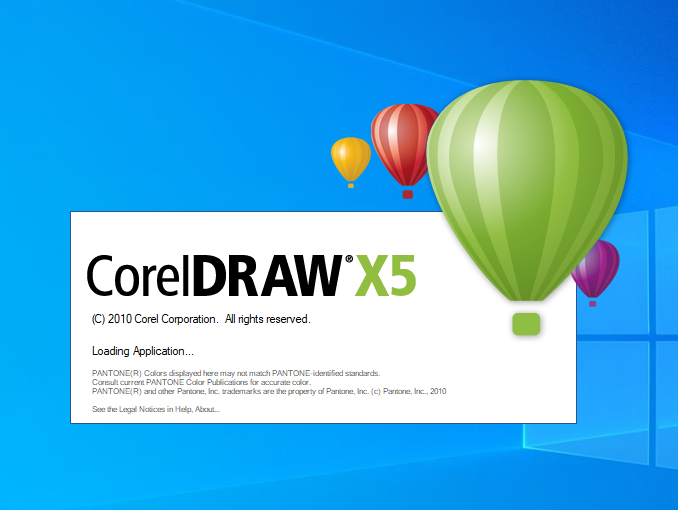
- Then, अब Ok पर क्लिक करके CorelDraw के एप्लिकेशन को Open करे
- Now, अब Ctrl+N प्रैस करे New Page का Window Open होगा
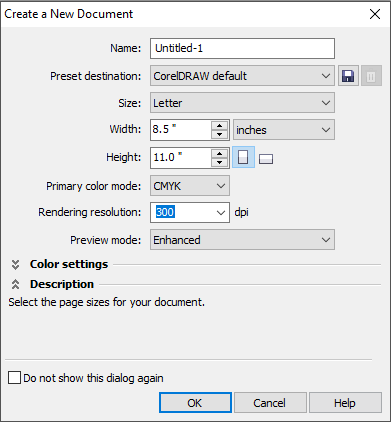
- Then, Ok पर क्लिक करे तथा CorelDraw का main Page ओपन करे
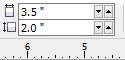
- Also, Property bar मे जाकर page की Size सेट करेगे ।
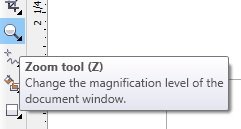
- Then, Zoom Tool से page की size को बड़ा करेगे .
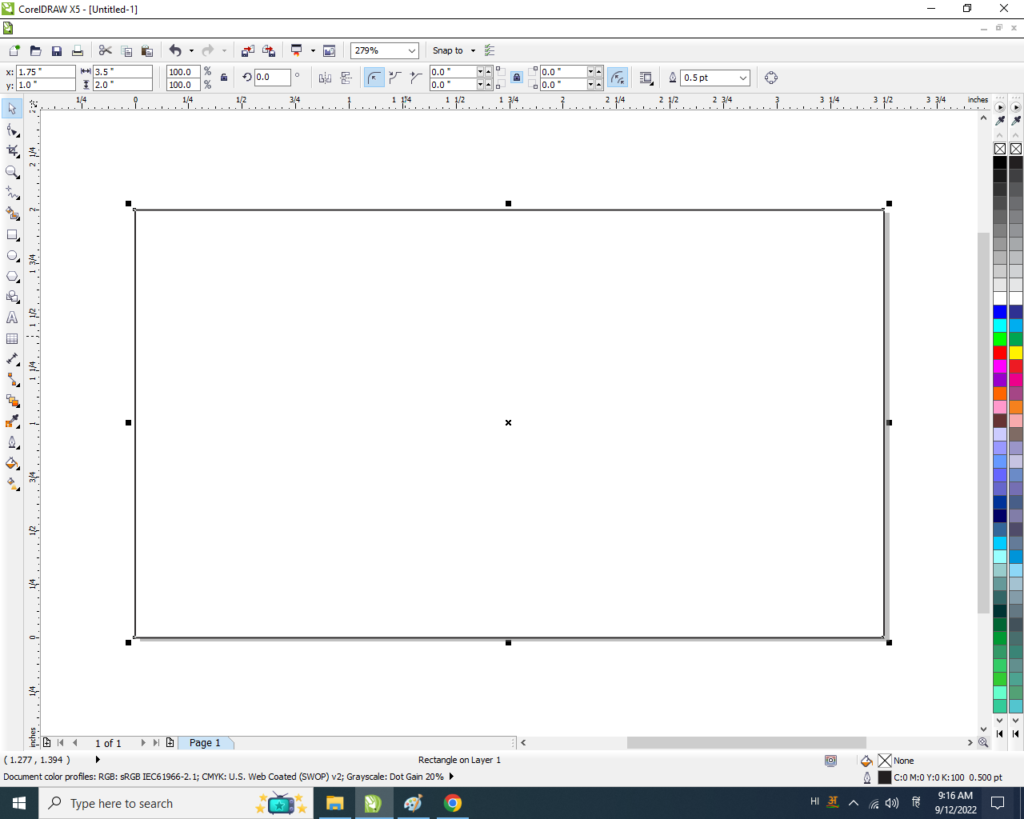
- Rectangle tool पर double click करेगे

- Page पर Rectangle Shape बन जायेगा
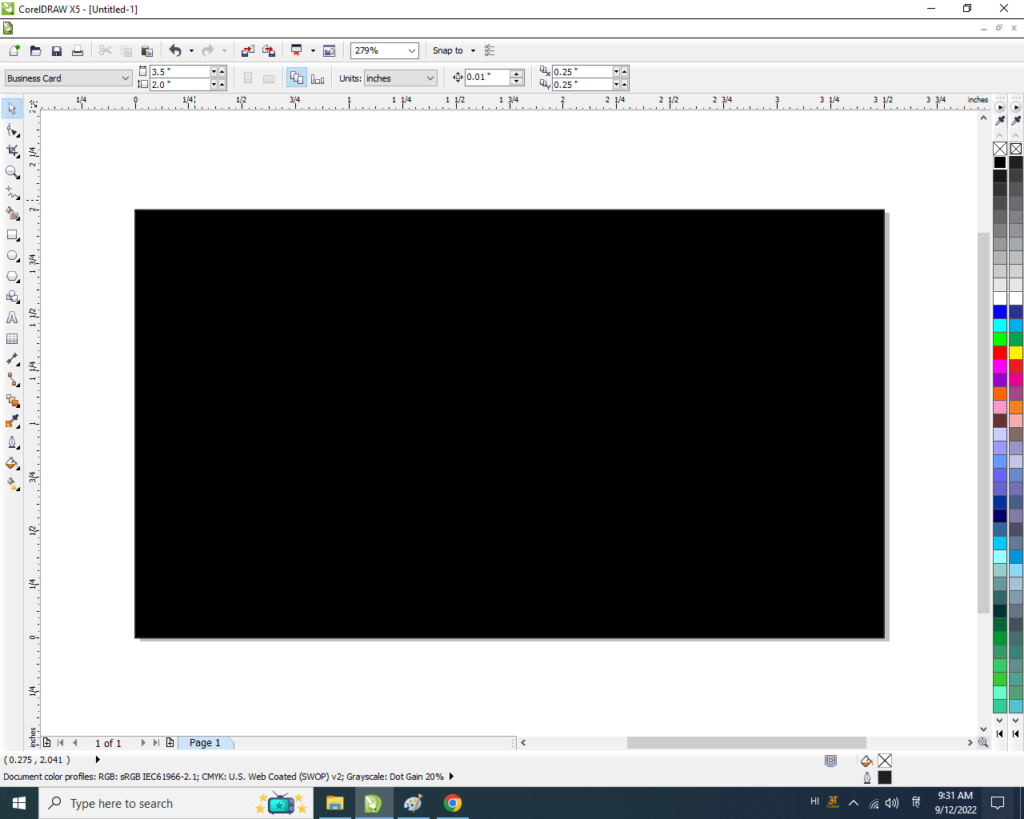
- अब हम Shape को Fill करेगे
- Rectangle shape को Drag कर के Page side Right click करेगे.
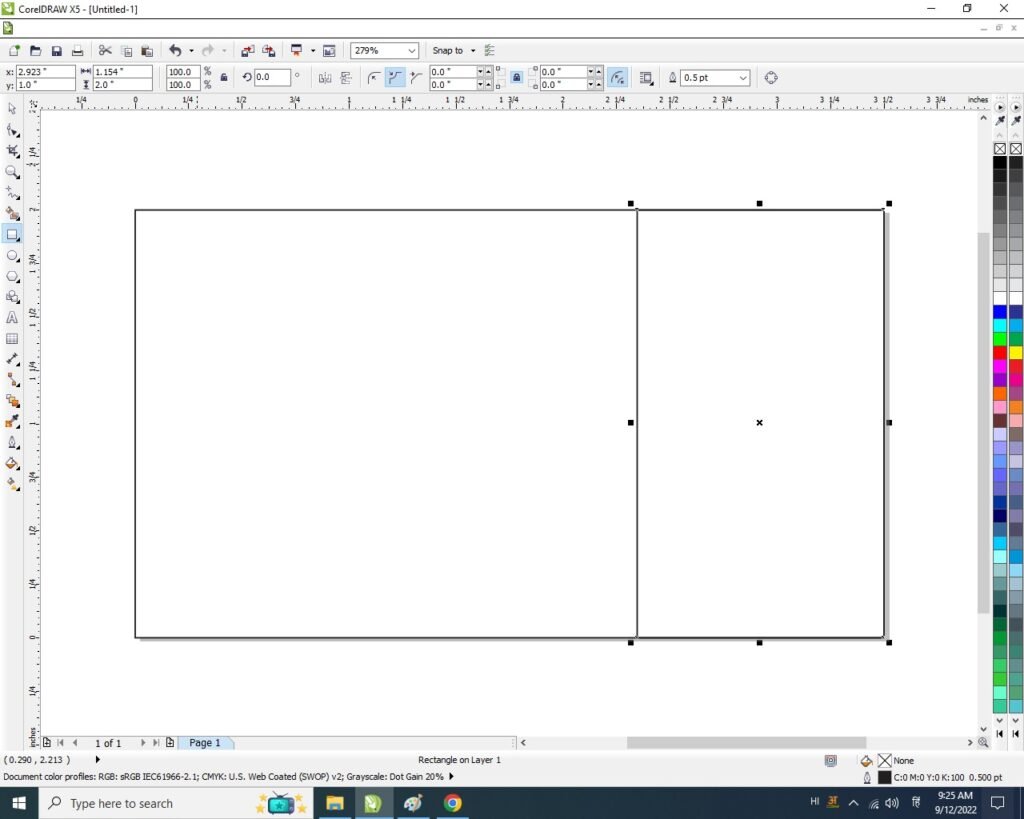
- Shape पर F 10, Or Ctrl+Q Button Press करेगे
- Shape के Line के बीच Right click or To curve option पर Click करे.
- Color palette मे जाकर Shape को Fill करेगे।
Link – Digital Marketing Course Syllabus in Varanasi Institutes
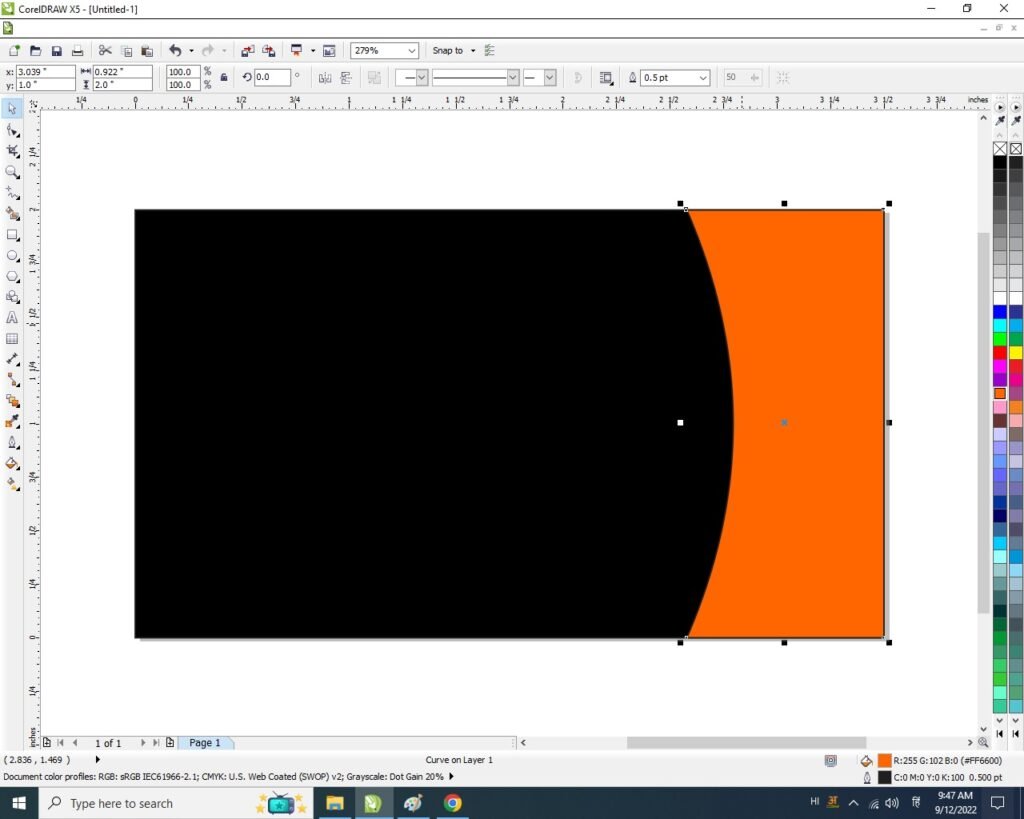
- Page पर Rectangle Shape बन जायेगा
- Color palette मे जाकर Shape को Fill करेगे।
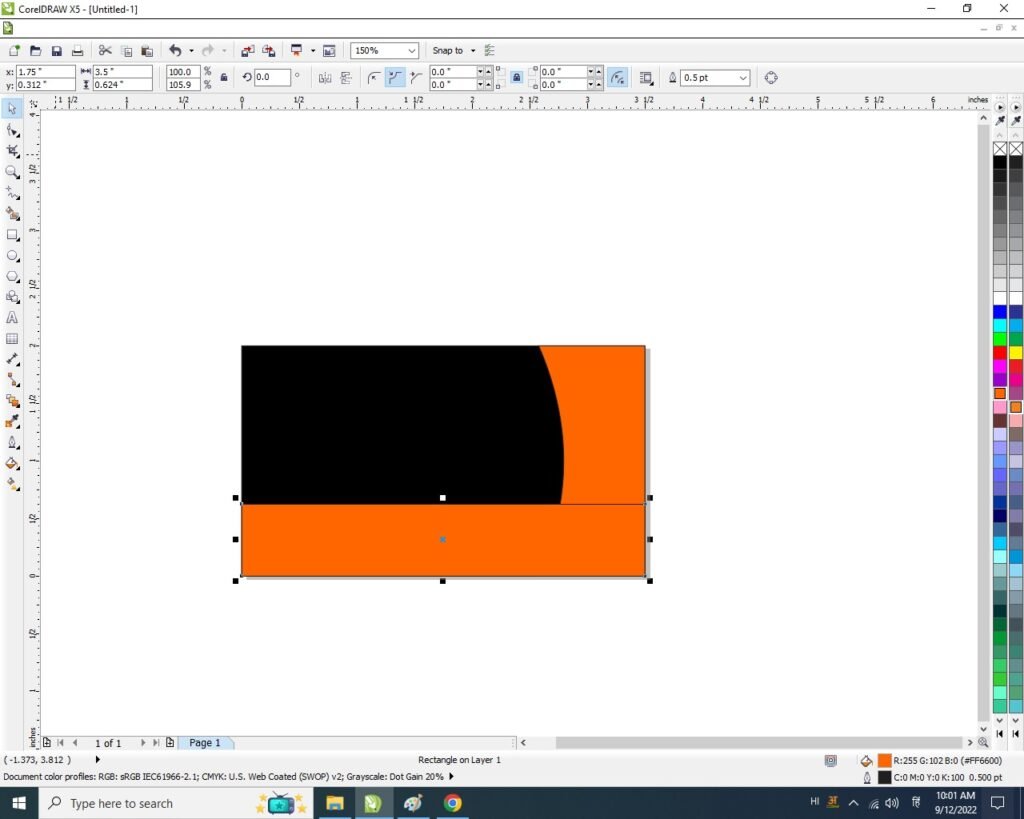
- Shape पर F 10, Or Ctrl+Q Button Press करेगे
- Shape के Line के बीच Right click or To curve option पर Click करे.
- अब Shape के दोनों side के Note को Curve करेगे।
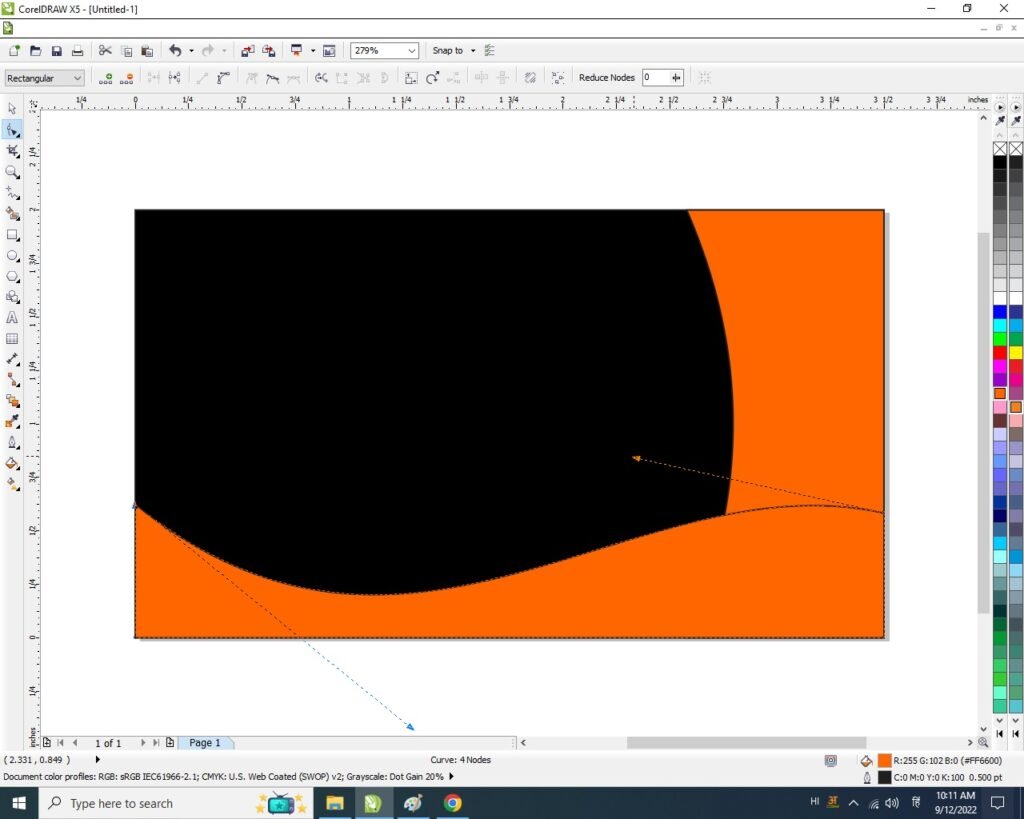
- Ctrl+D से shape का duplicate बनाए।
- Color palette मे जाकर Shape को Fill करेगे।
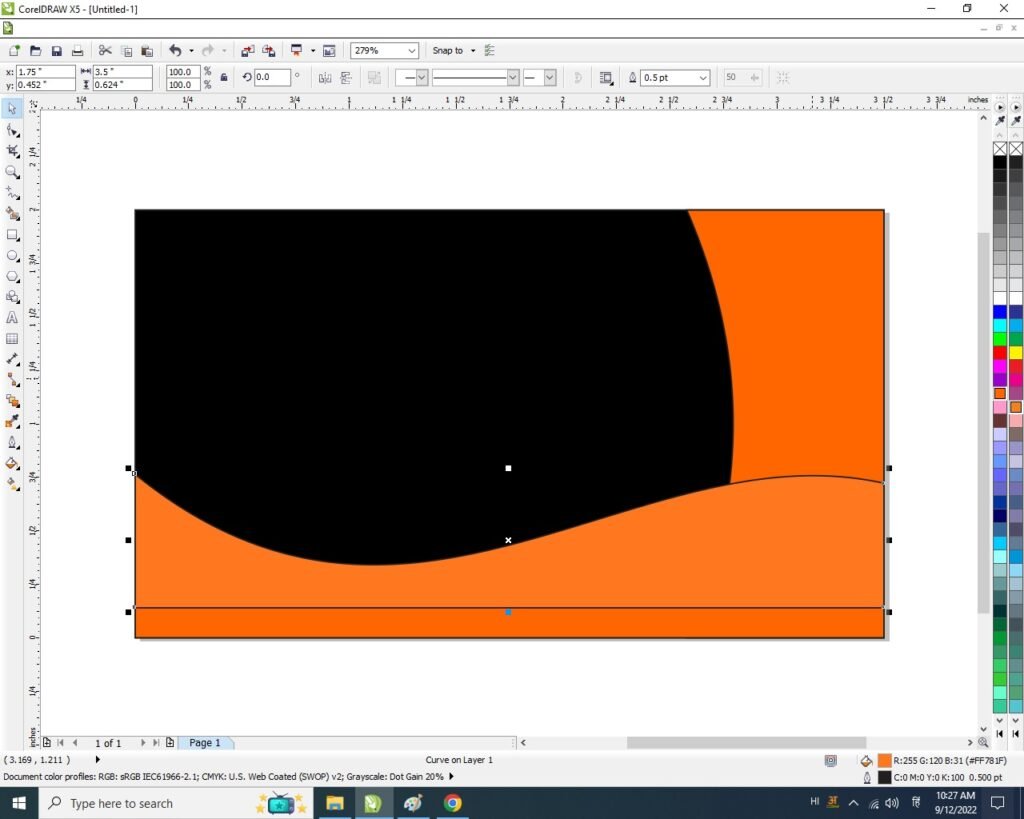
- Shape पर ctrl+Page Down Button press करने पर पहले वाले Shape के पीछे चला जायेगा।
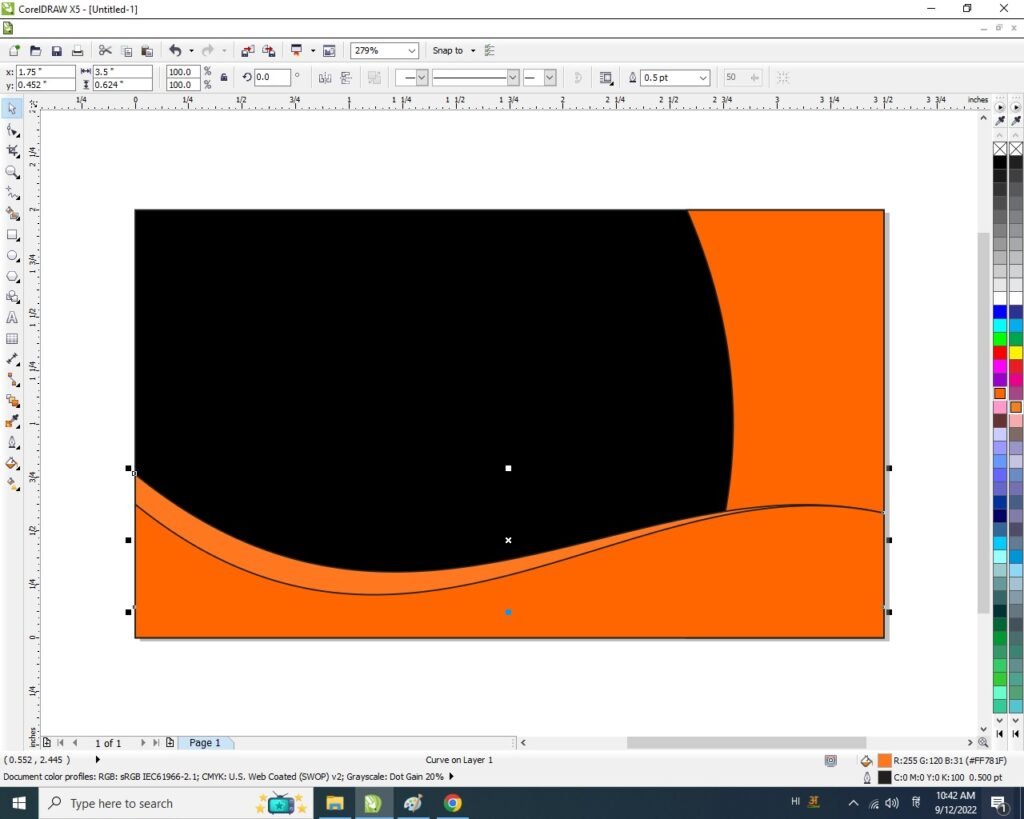
- Pick Tool से Shape Select करे or F 10 press कर के shape के Note को Adjust करे।
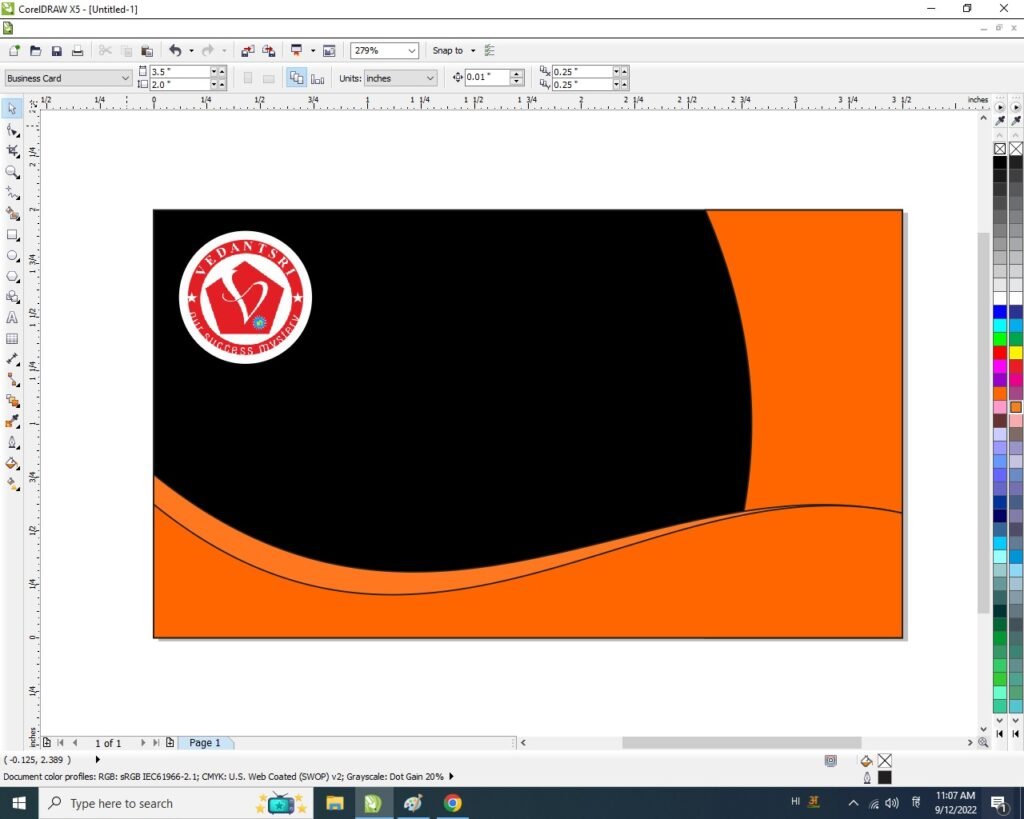
- File मे जाकर Logo Insert करे।
Read Also – Digital Marketing Course Fees in Varanasi Institutes

- Ellipse Tool से एक Shape Draw करे Logo का Outline बनाये
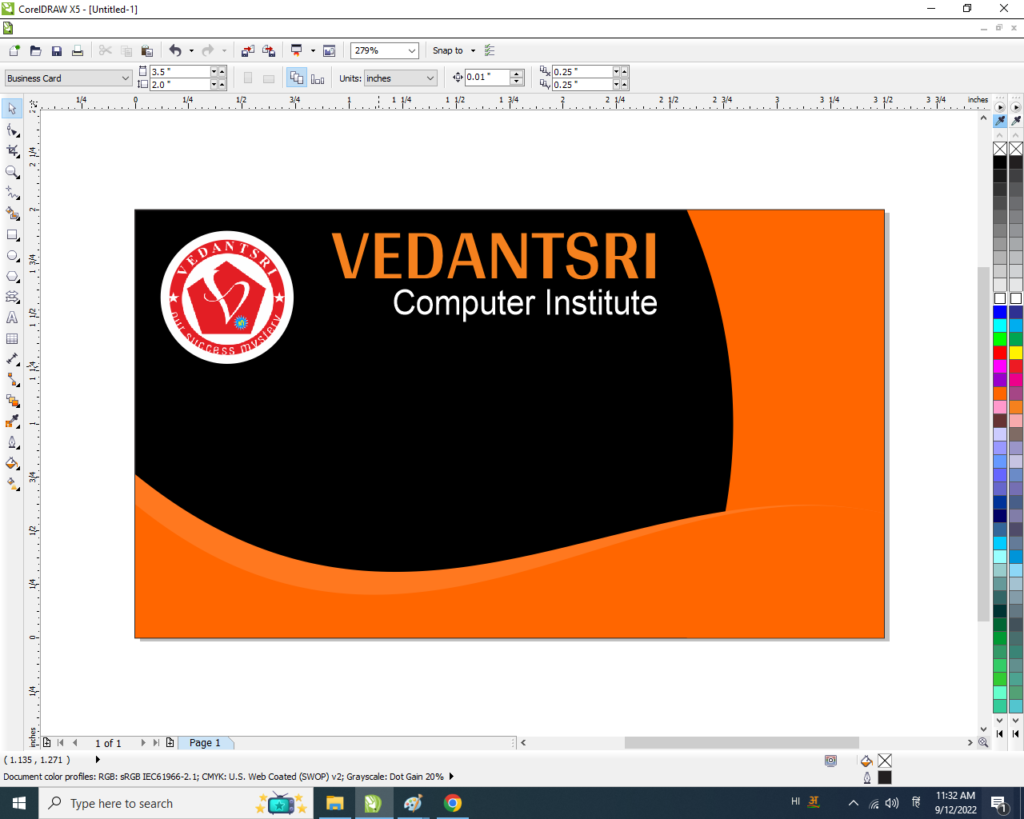
- सारे Shape को Pick tool से Select कर Shape को None केरेगे।
- Varanasi Institutes ,Computer Institute Font, Arial Bold रहेगा।
Read Also – Digital Marketing in Varanasi Institutes: Course Details, Fees, Syllabus & Career Opportunities
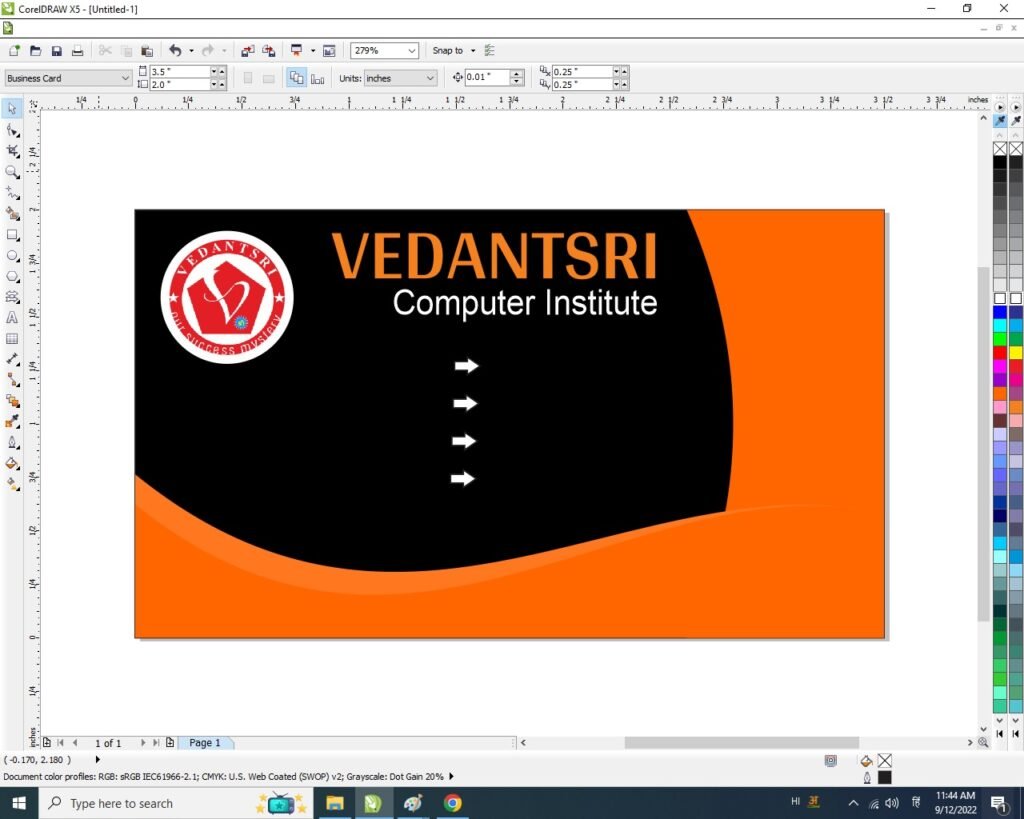
- Basic Shape tool से arrow Draw करे।
- Shape को Duplicate करले।
- Color palette से color change करे ।
Link – Digital Marketing Course Scopes in Varanasi Institutes
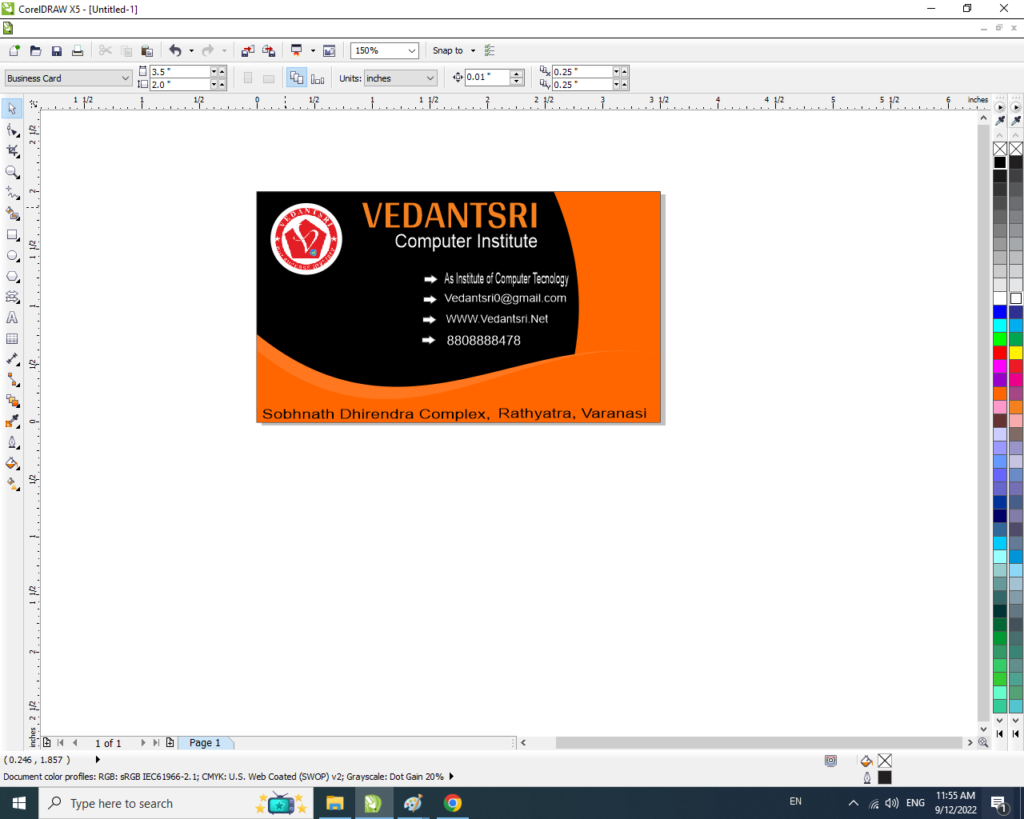
- Text tool से Detail Fill करेगे।
Link – Complete Digital Marketing Coaching in Varanasi
Important Link
- Job Partner Website:- https://jobdo.in
- Get Computer Info:- https://computeritpoint.com
- AI Computer Courses for Website Development, Duration, Scope, Syllabus, Admission, Institutes & Jobs in VaranasiAI Computer Courses for Website Development, Duration, Scope, Syllabus, Admission, Institutes & Jobs in Varanasi Artificial Intelligence ने...
- Top 1 Best Digital Marketing Course Fee, Institute, Syllabus, JobsTop 1 Best Digital Marketing Course Fee, Institute, Syllabus, Jobs Top 1 Best Digital Marketing Course Fee, Institute, Syllabus, Jobs. This quantity is anticipated to develop quickly with the appearance of Digitalisation within...
- How to Make a Free WebsiteHow to Make a Free Website About VedantSri How to Make a Free Website How to Make a...